GSsupport_1
IPTV Viewing via OTT TV (Navigator OTT) (paid app, from $19.99 one-time)
Set up channels and media libraries based on links to playlists:
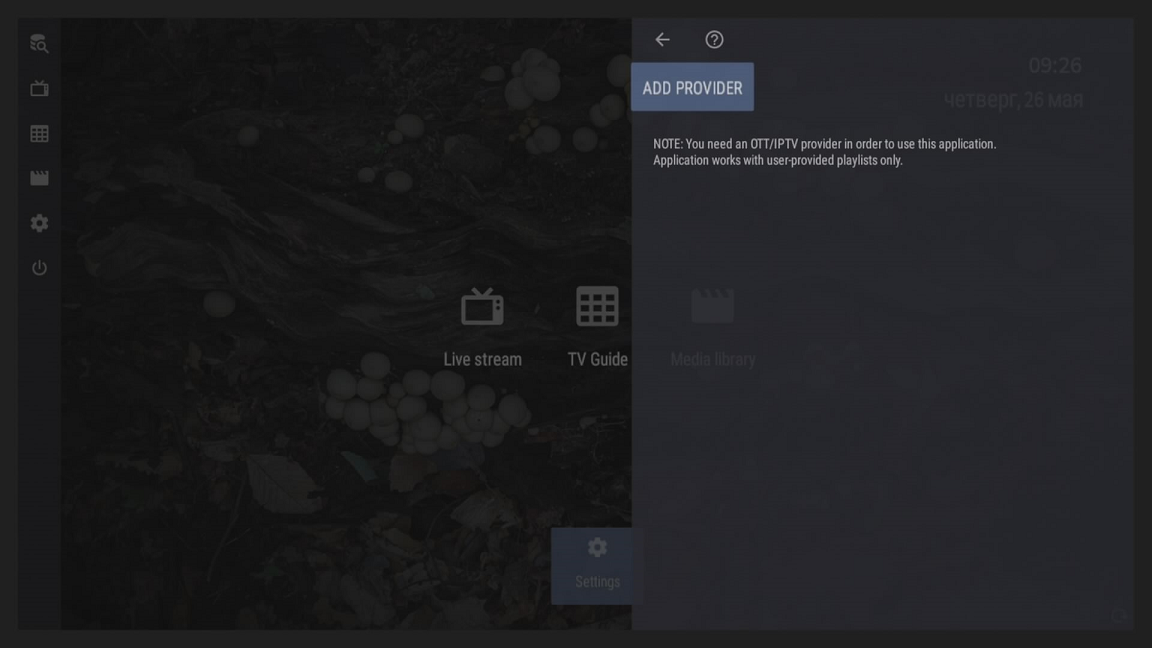
Open the application settings - Provider - Add provider
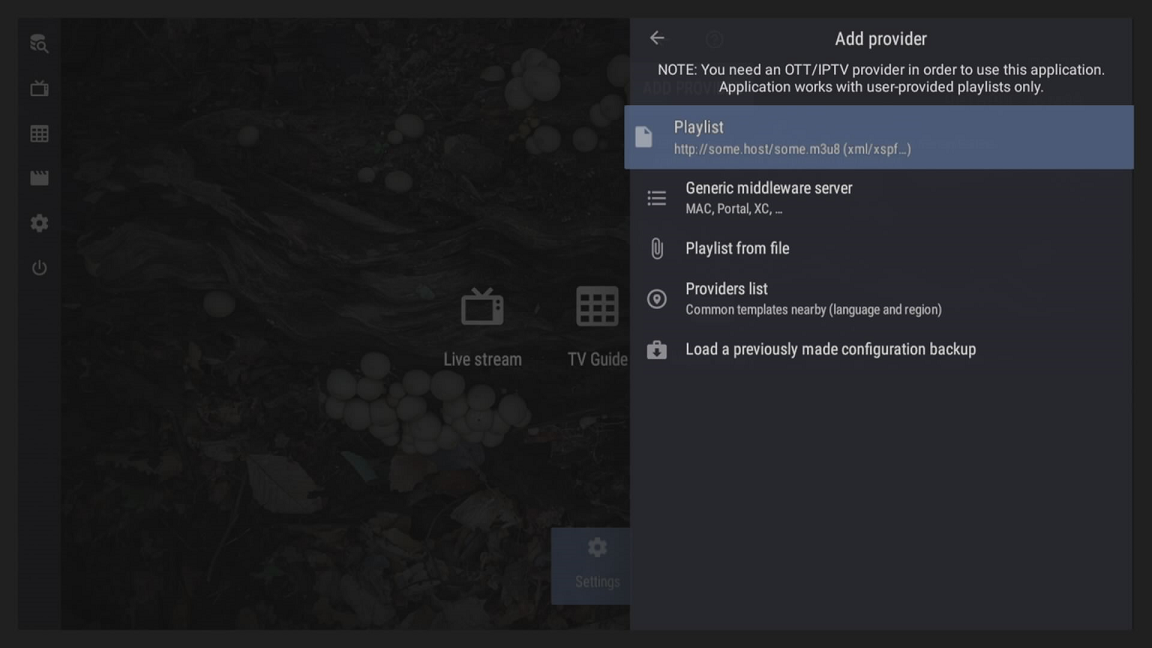
Select an option - Playlist
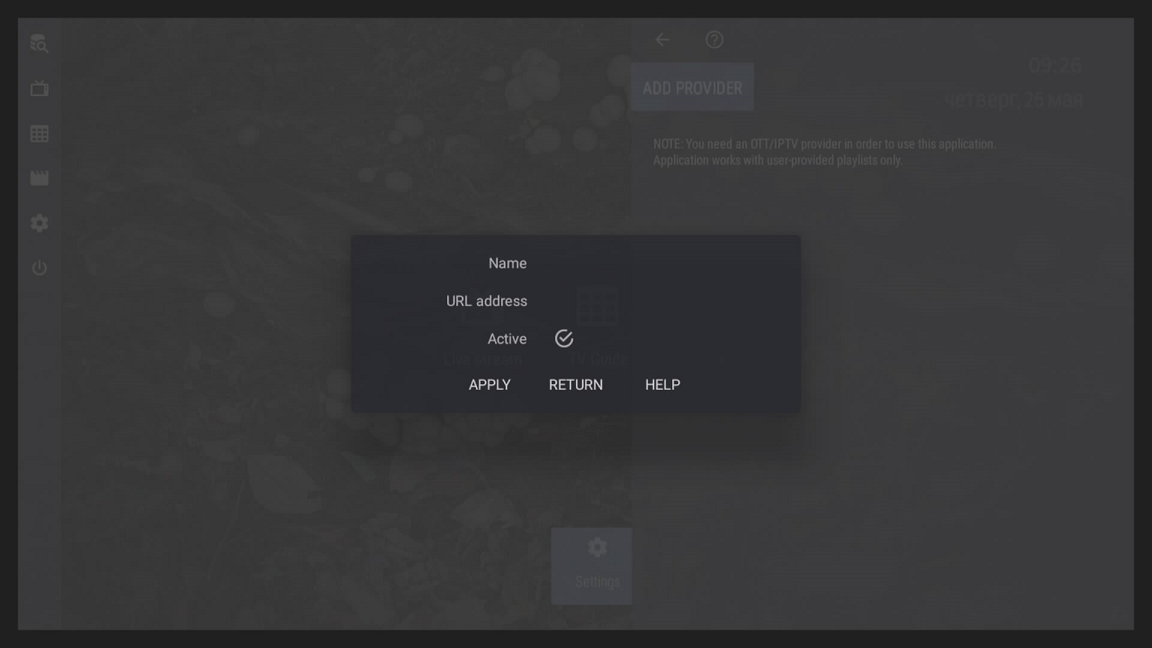
Here in the settings you need to specify:
Title - Arbitrary
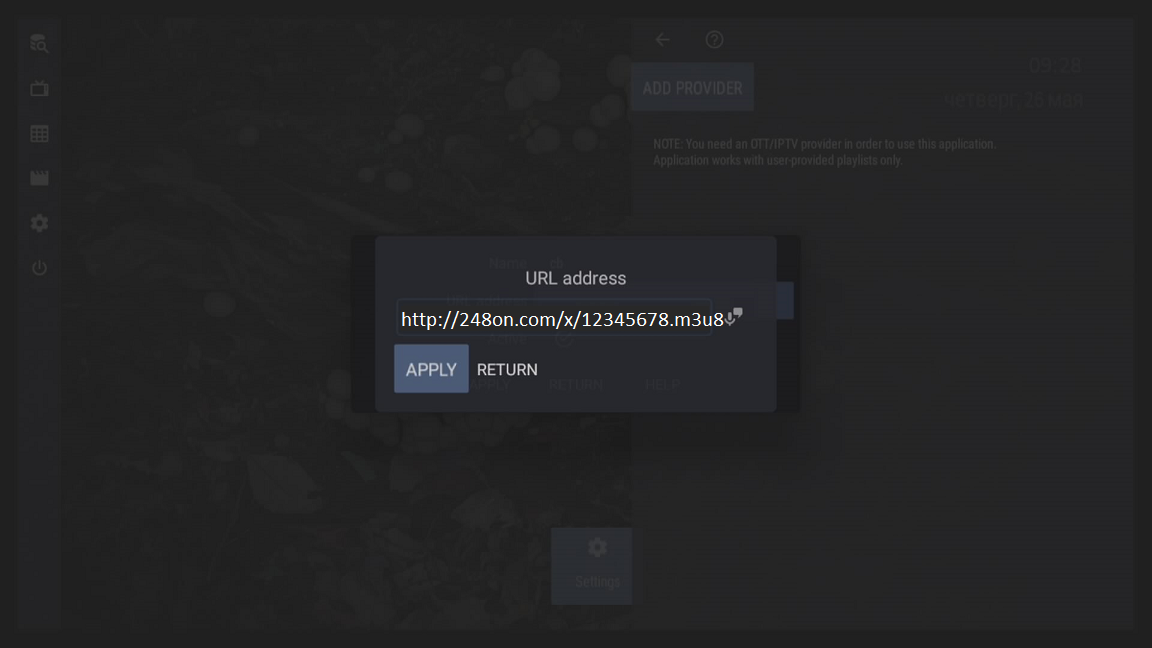
URL - Here you need to carefully specify a link to the auto-updated playlist from billing
Apply settings after editing

Configure the media library by following the link:
Opening the application settings - Media library
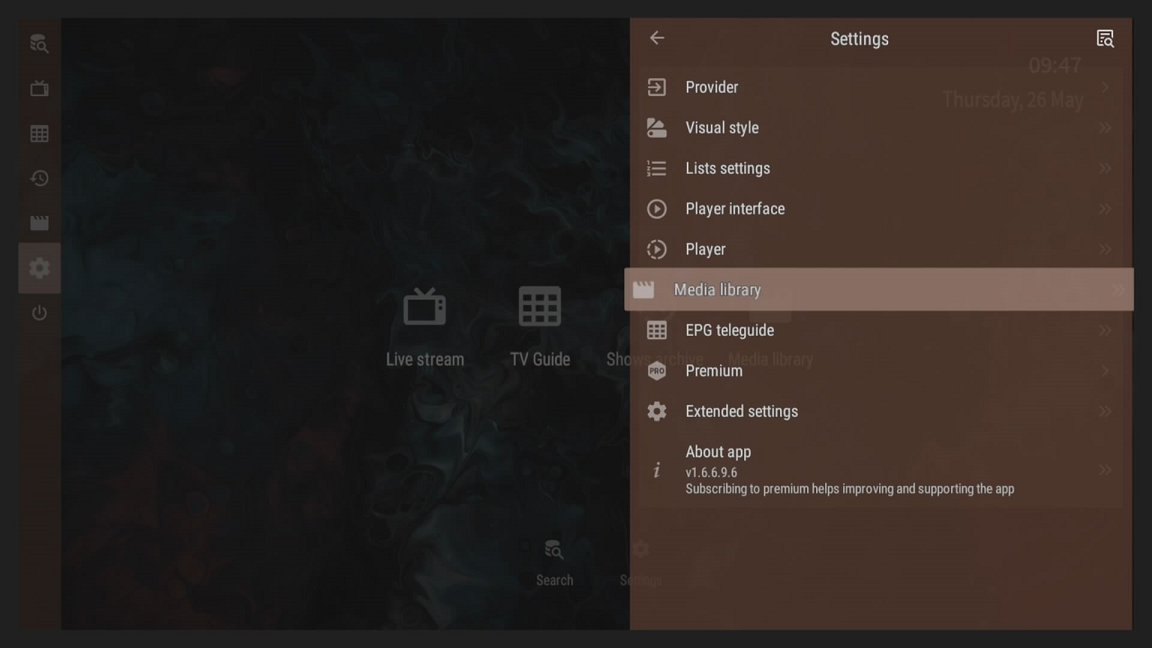
Select option- User-provided media library sources:
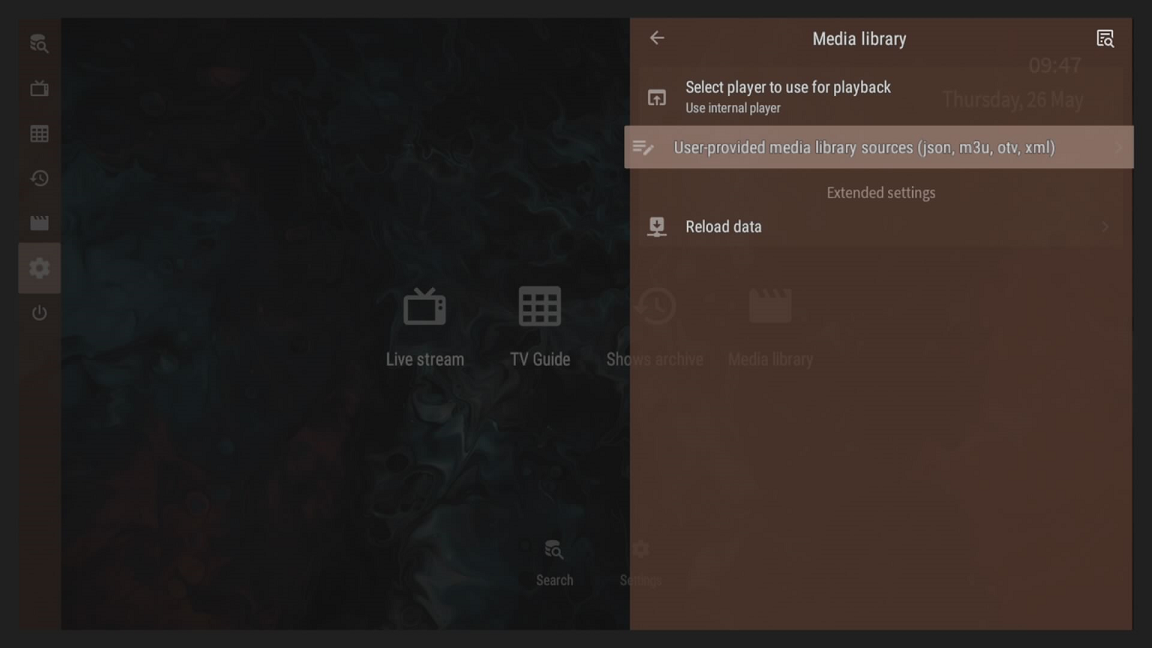
Add User Provided Source:
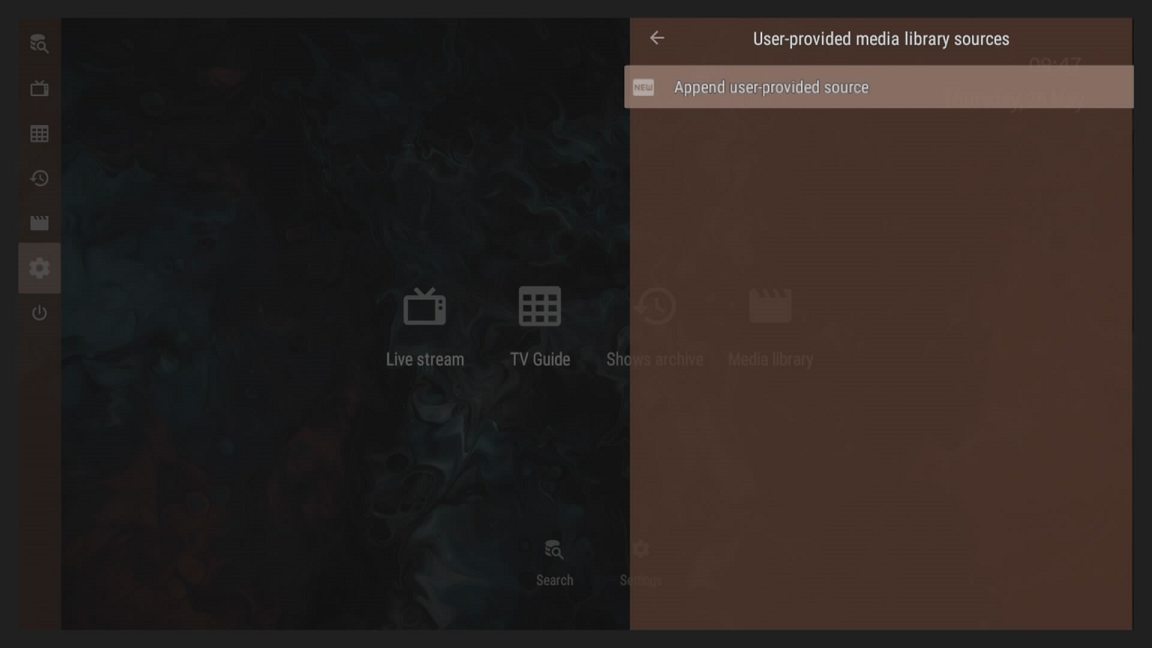
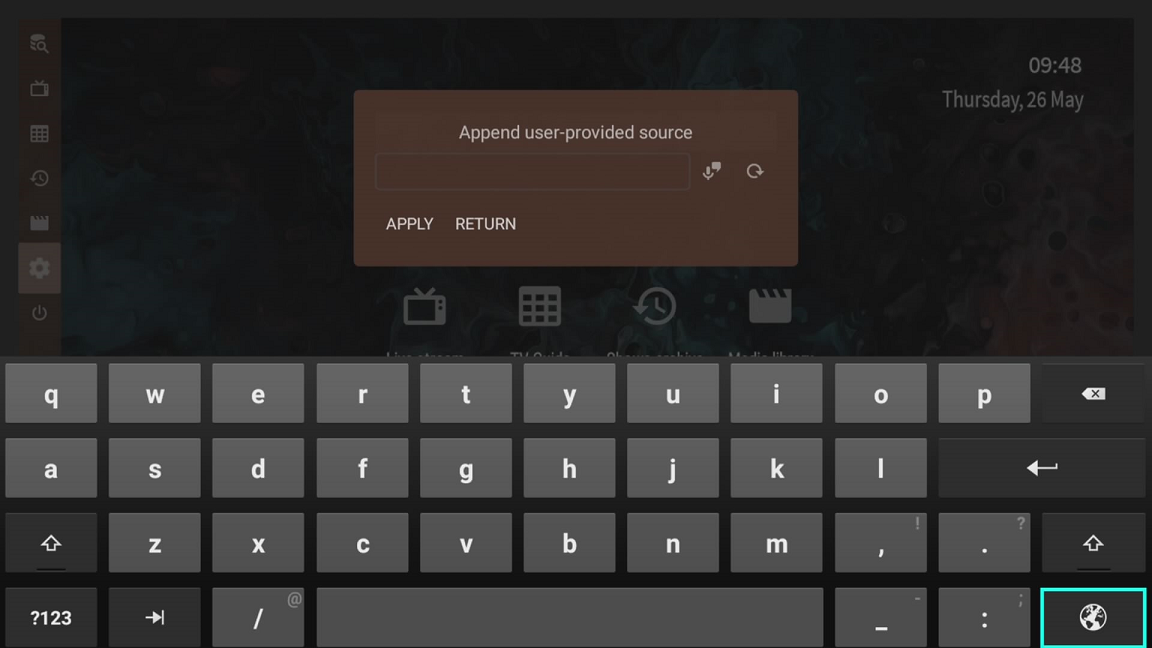
Here you need to specify a link to the media library for OTTPlayer from the package settings in your billing and apply the settings
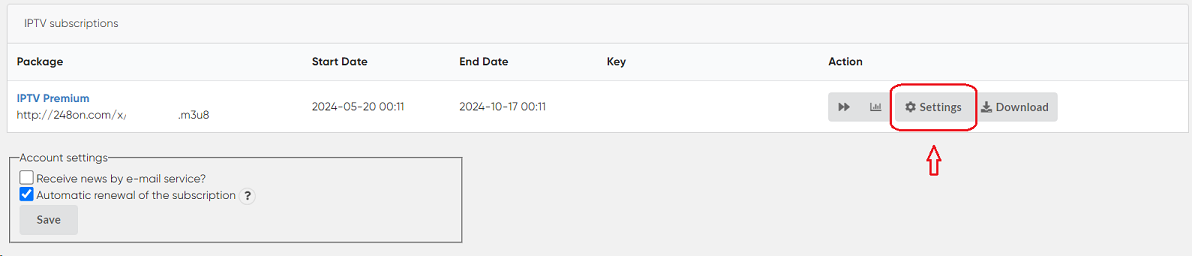
You can find it either on the Main Page in the billing system or on the Settings Page for this app. To do this, on the main page, click the Settings button next to the package.
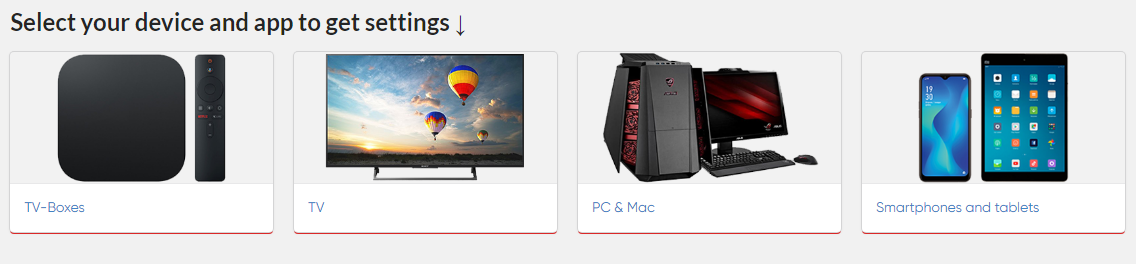
Next, select your device, in this case, TV-Boxes.
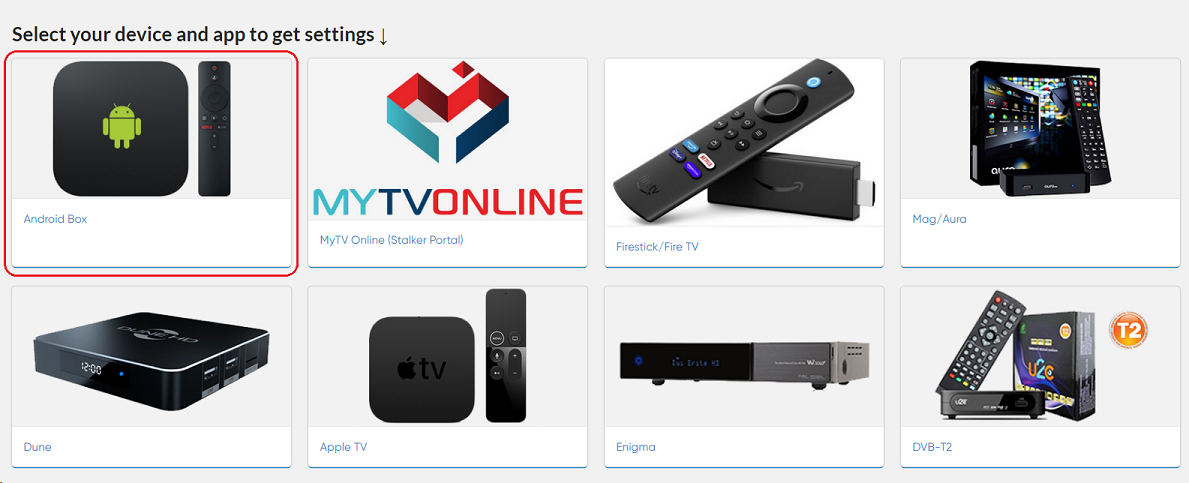
Select Android Box.
Select the OTT TV (Navigator OTT) application.
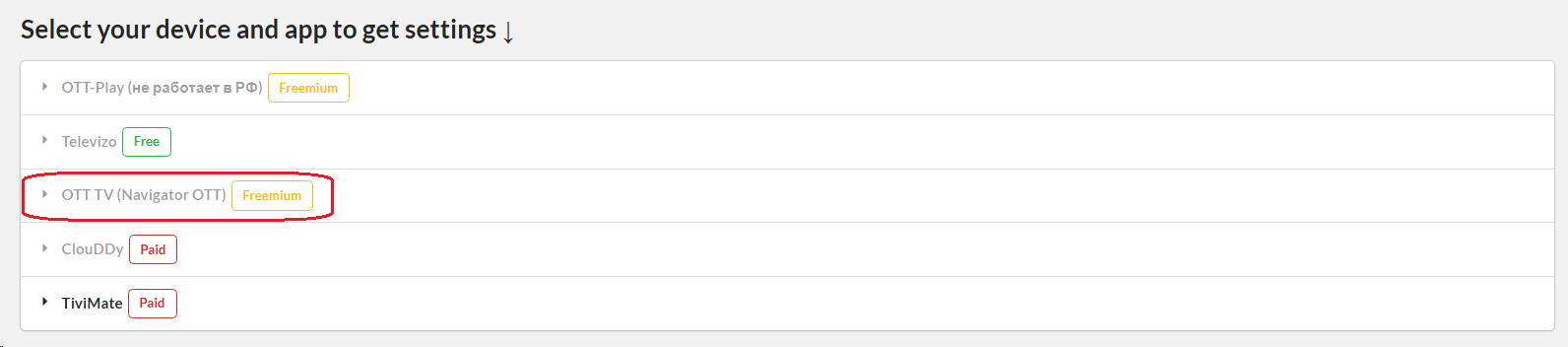
The necessary settings for this application will be displayed.
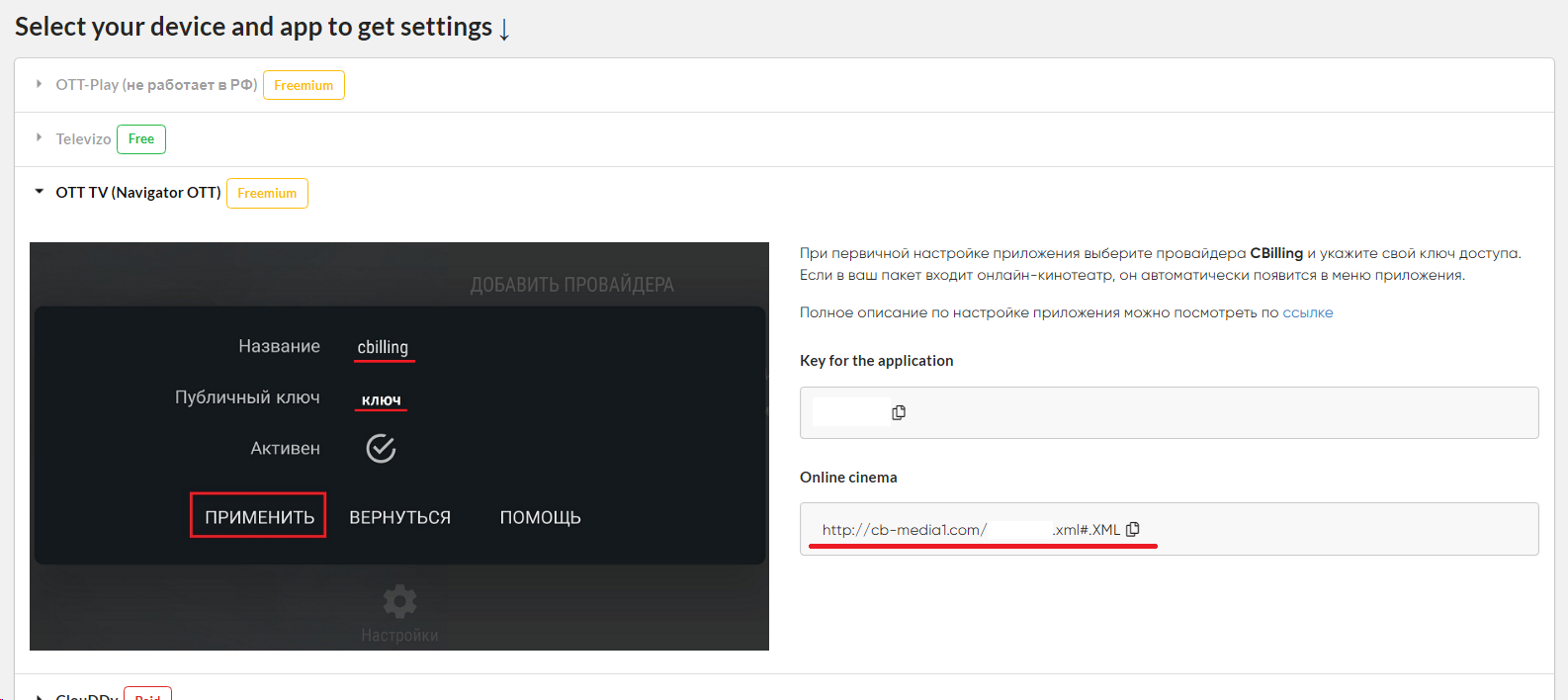
The received link must be specified in the media library settings