GSsupport_1
IPTV Viewing via OTT-Play
To watch IPTV on an Android TV or set-top box using the OTT-Play player, follow these steps:
The app is available in the Play Store: https://play.google.com/store/apps/details?id=com.ott_play.m3u.
image
When you first launch the app, the m3u provider is selected automatically, and the option to choose a different one is hidden.
(This can be changed by clicking on the empty line above the "Provider Code" option in the settings 7 times and then selecting your provider.)
DO NOT LAUNCH ON TABLETS OR PHONES! ONLY ANDROID TV!
image
Player Setup
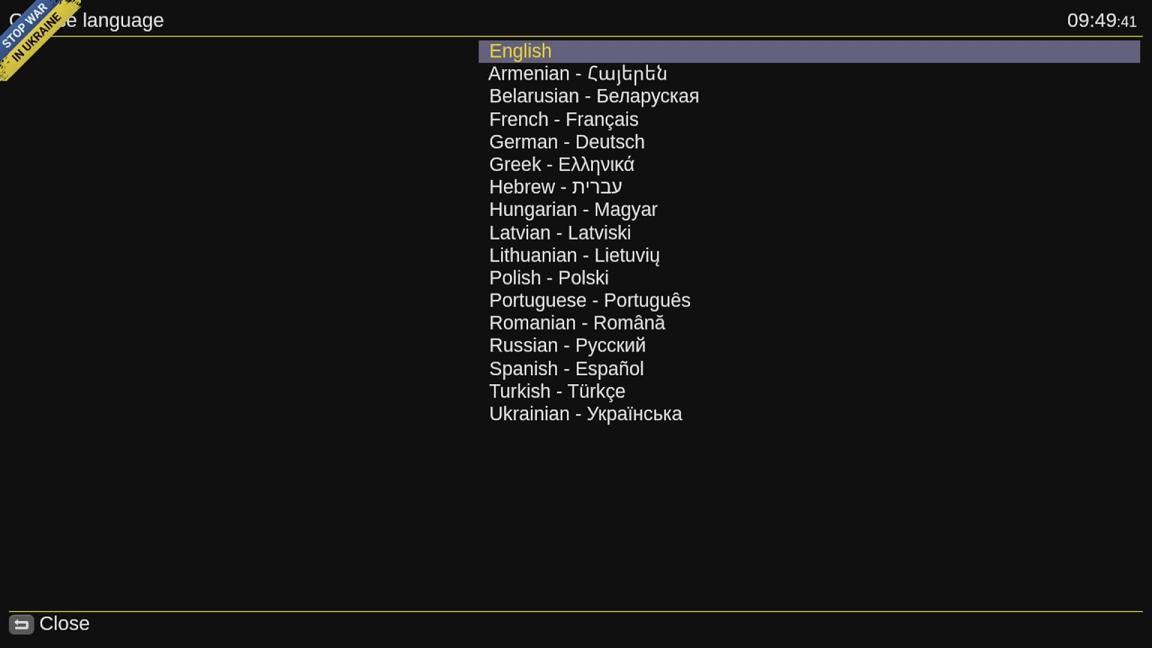
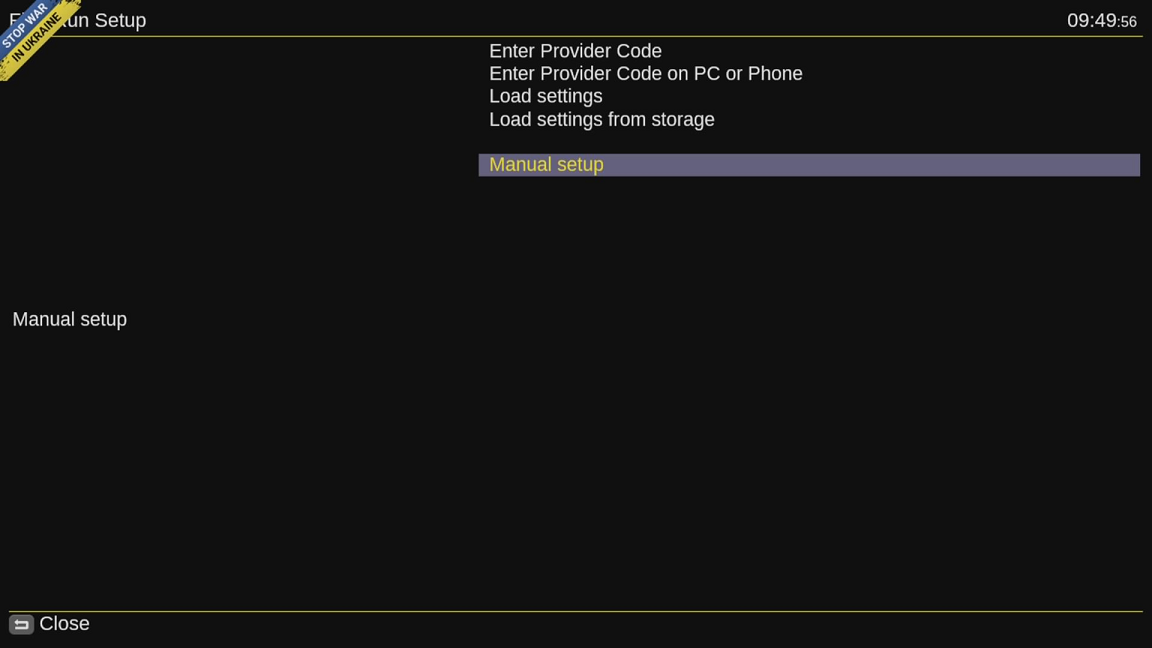
After launching the player, it will prompt you to enter provider data. Select Manual Setup and proceed to the next section.
Click Change Provider.
In the list of providers, select Гомельсат (cbilling).
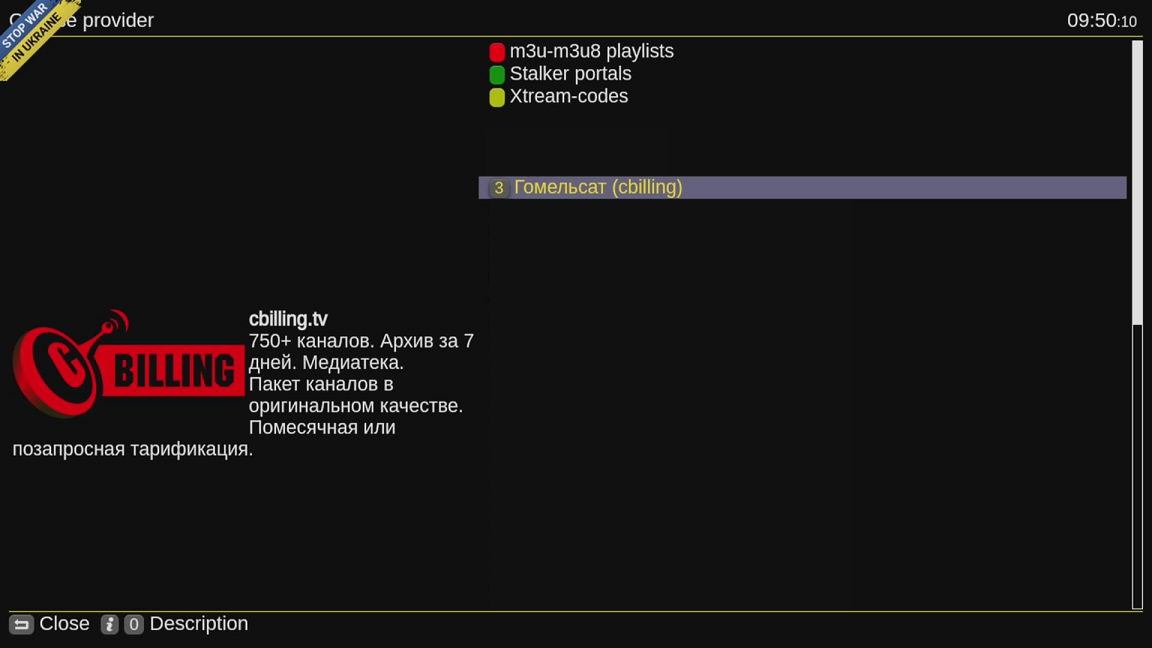
Enter the public key for the playlist, which you can find on your settings page at cbilling.eu.

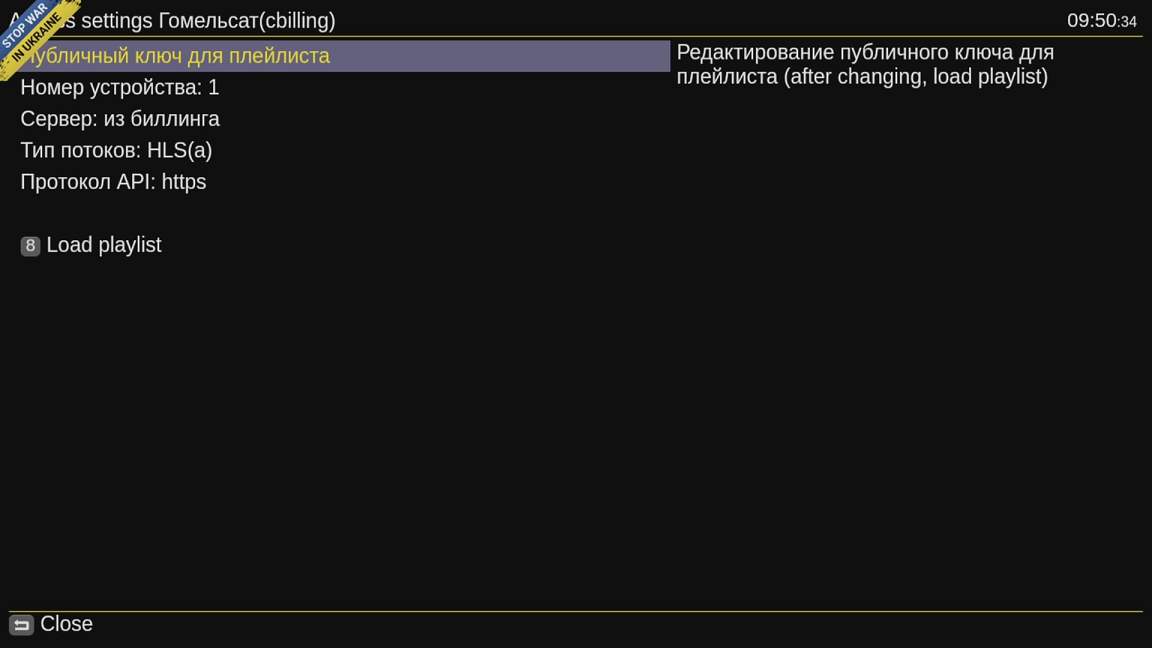
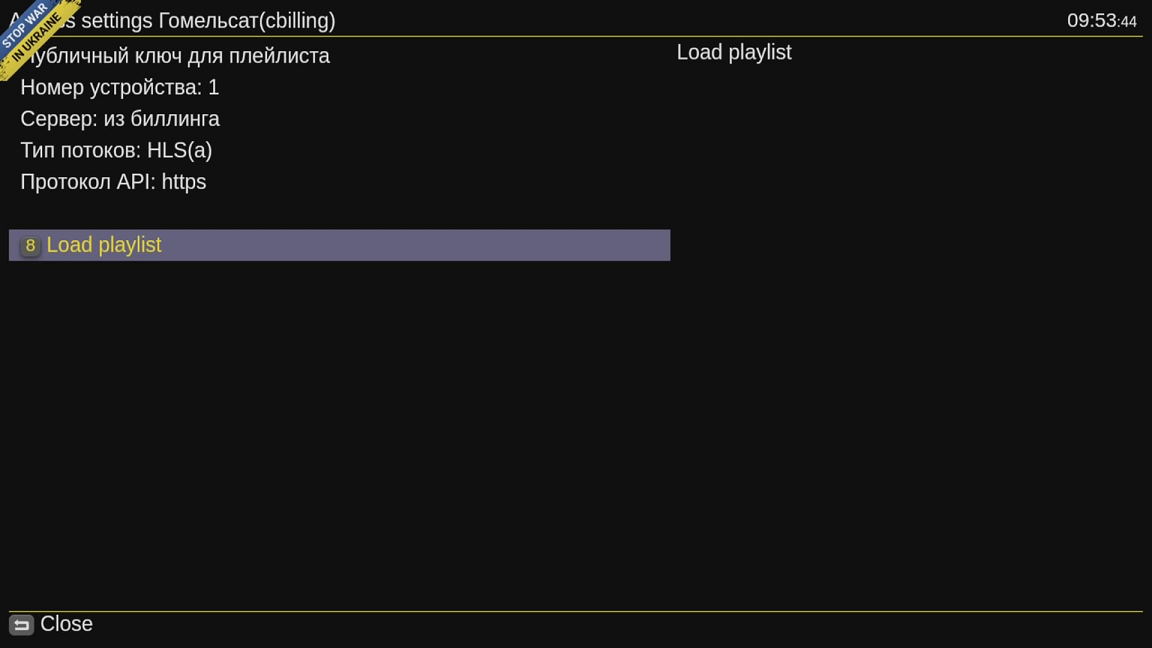
Also, specify Device Number 1. After entering the key and selecting Device Number 1, Select the option to Load playlist.
When the player launches, you will see the channel list.
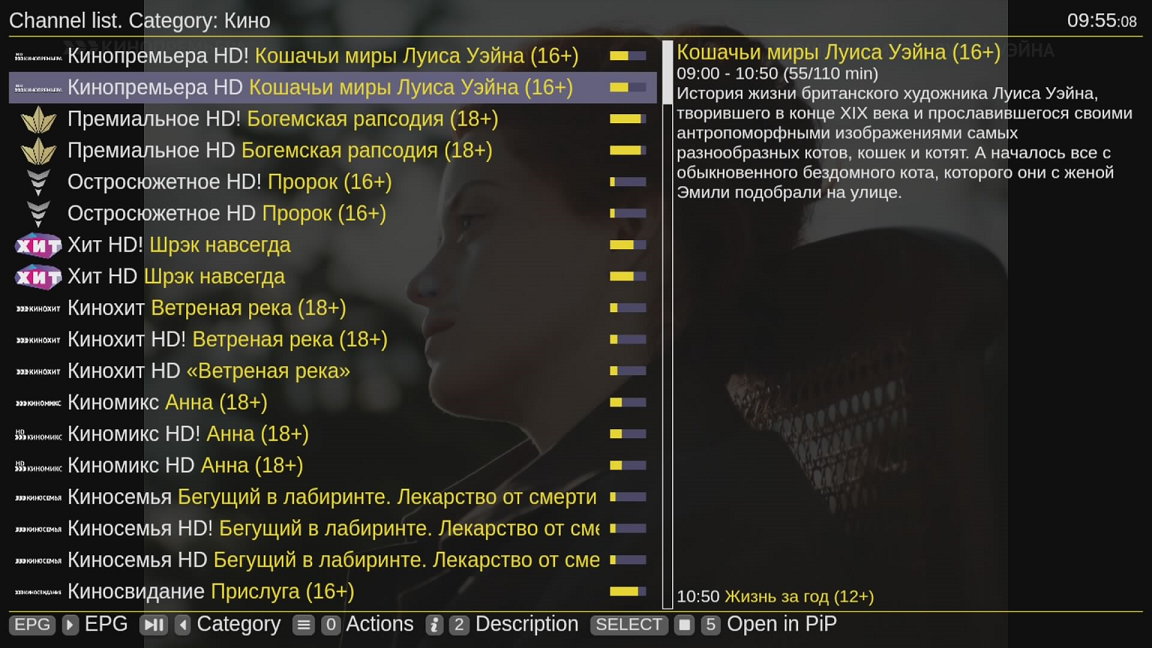
You can sort by categories.

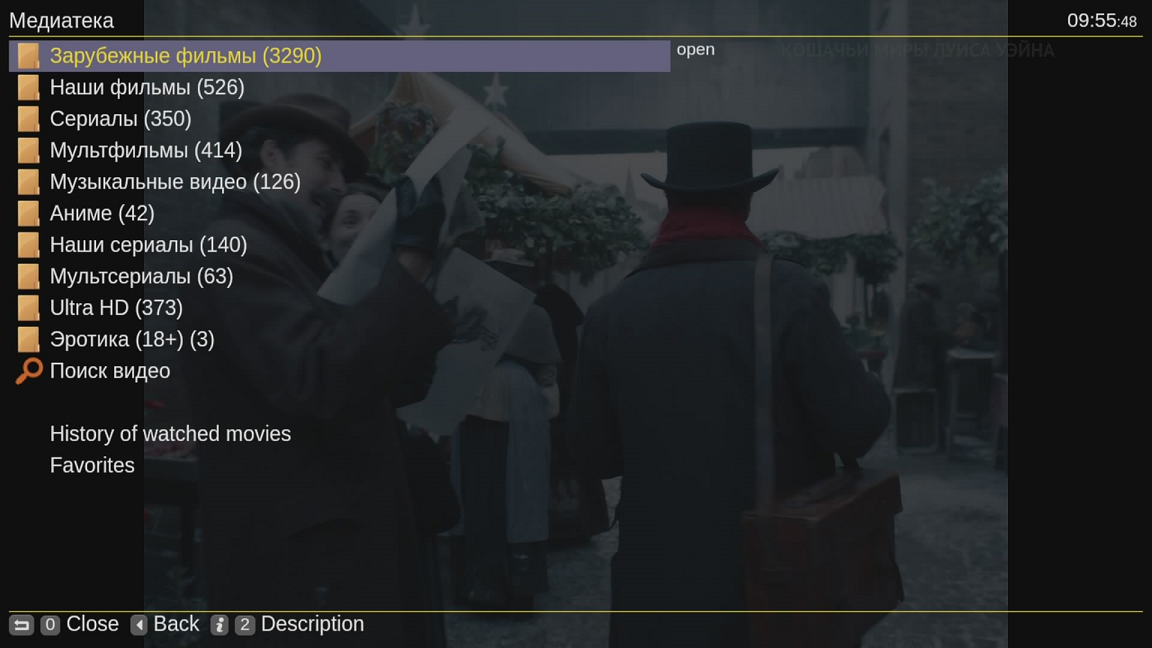
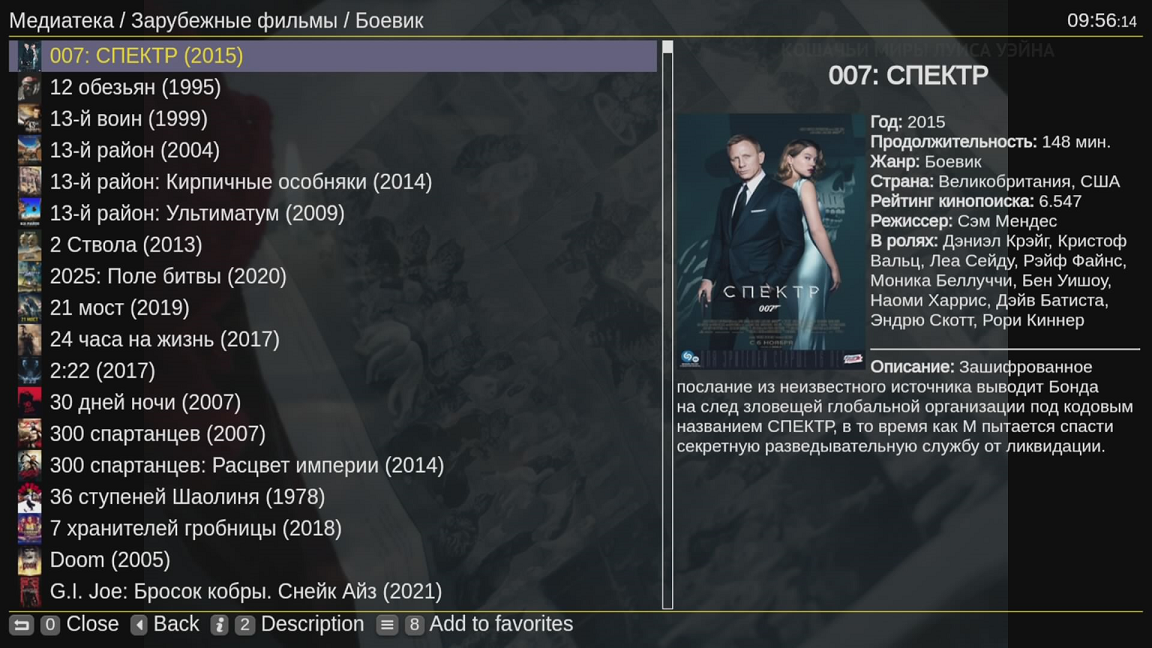
Subscribers of the HD+SD, Premium, and On-Demand packages also have access to a media library with a vast collection of video content.